
Follow the roadmap.
Plan the study.
Learn the stack.
Land your dream job.
Pressentify is one place for the whole run: cheatsheets that teach a stack from beginner to production, a study plan that keeps you on schedule, and a job hunt that ranks roles against what you actually know.
Every cheatsheet is free to read. Sign in to plan, take notes and track jobs.
Roadmap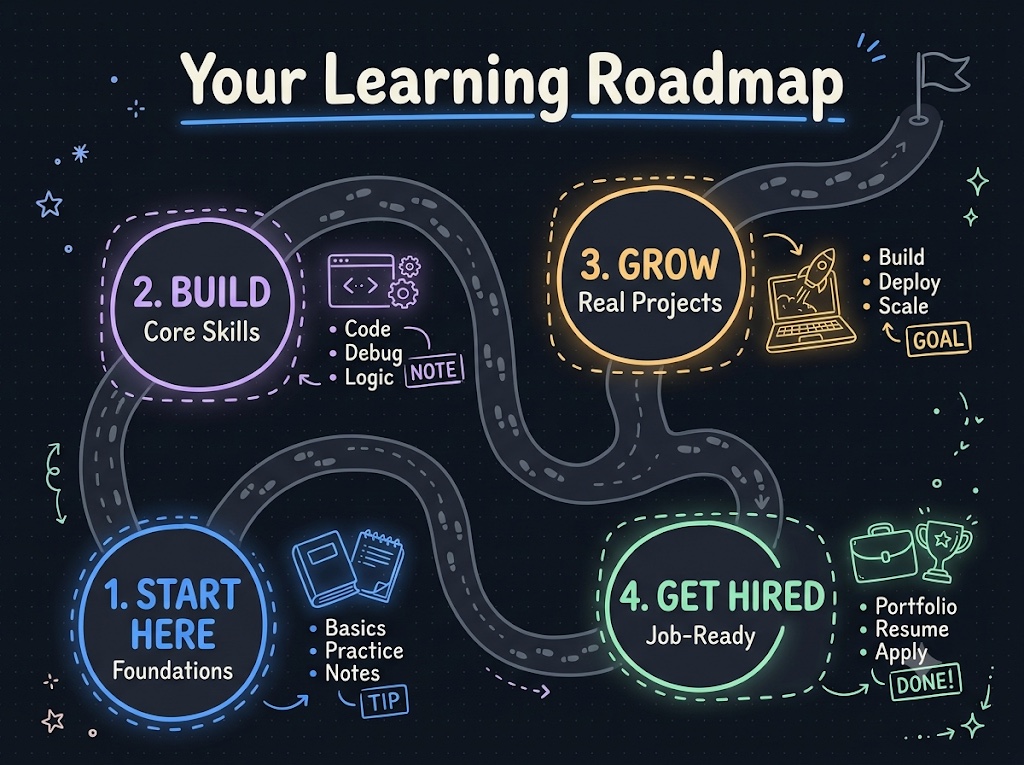
A clear path, step by step
Pick a topic and follow a week-by-week roadmap from foundations to job-ready, with a project at every milestone.
Job hunt
pressentify.com/jobs
Every posting, in one place
Roles gathered from company boards and job portals, searchable without an account.
Study planner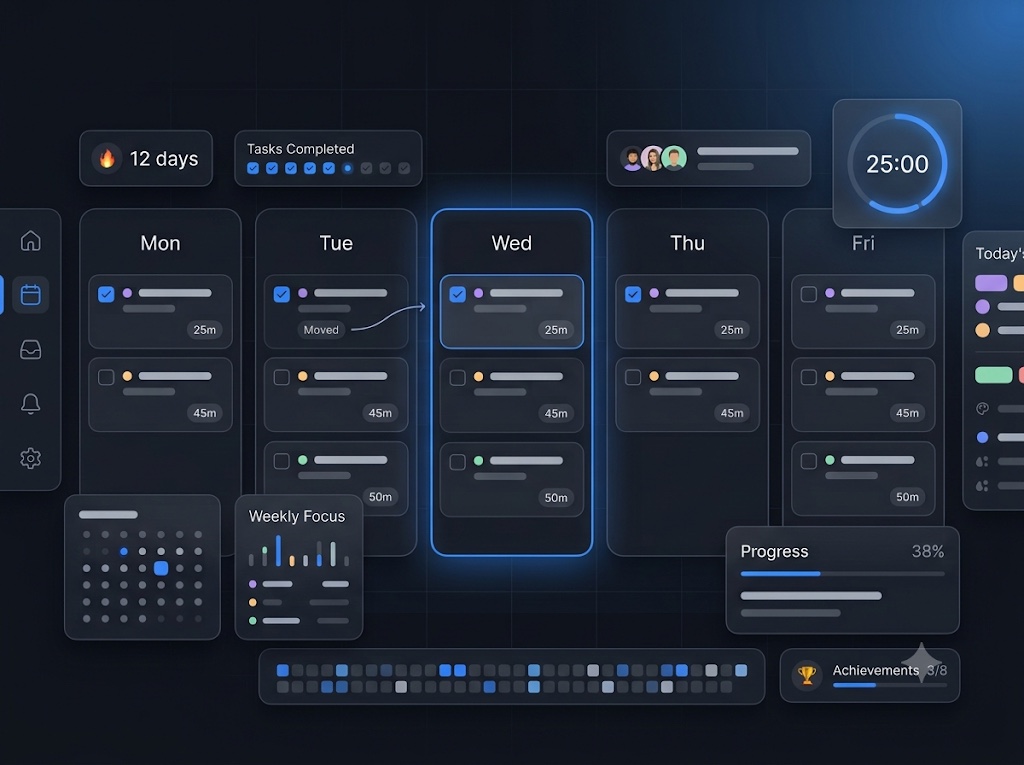
Never lose your streak
A study plan that adapts when life gets in the way — missed days roll forward automatically, so you always know exactly what to study next.
Cheatsheet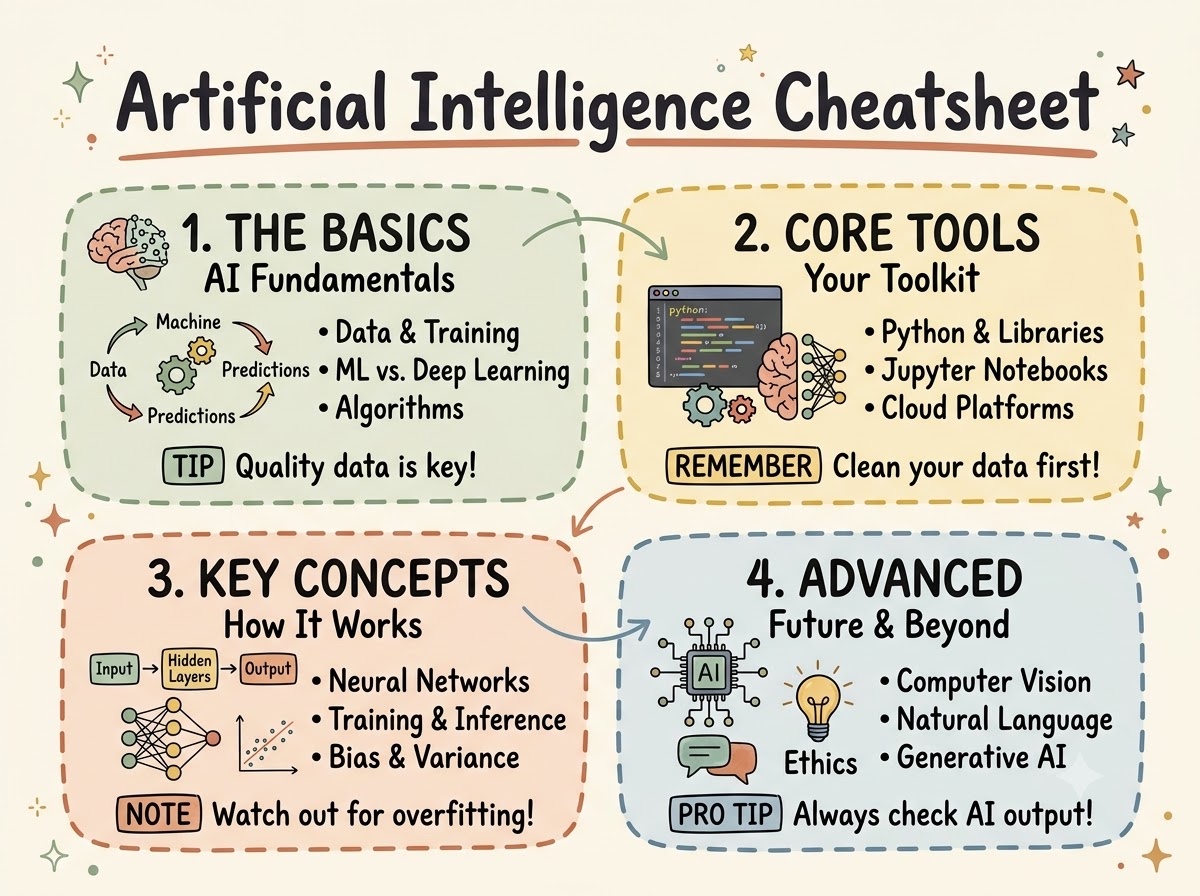
Everything on one page
Dense, visual cheatsheets that boil each topic down to what you need to remember, free to read.
Handbooks
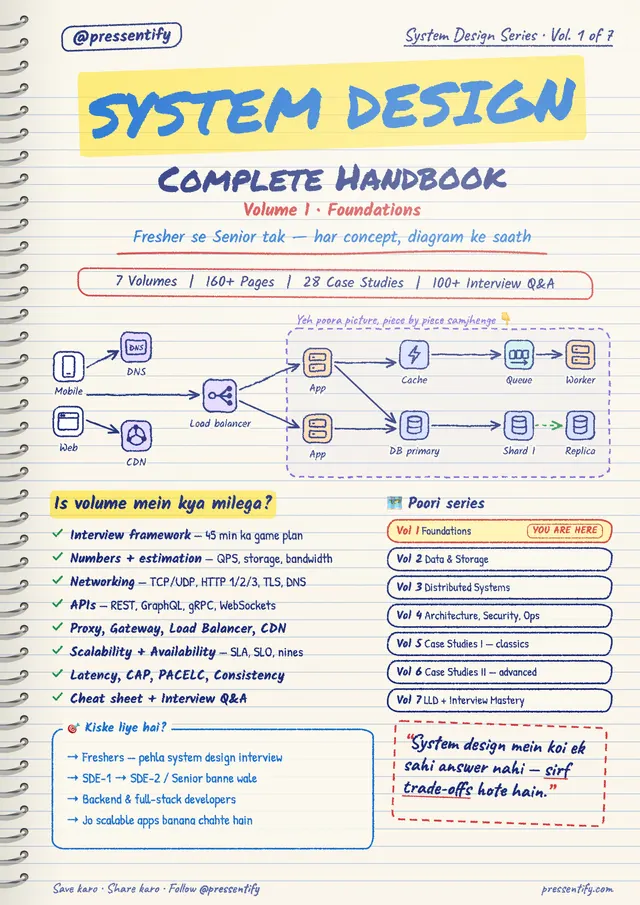
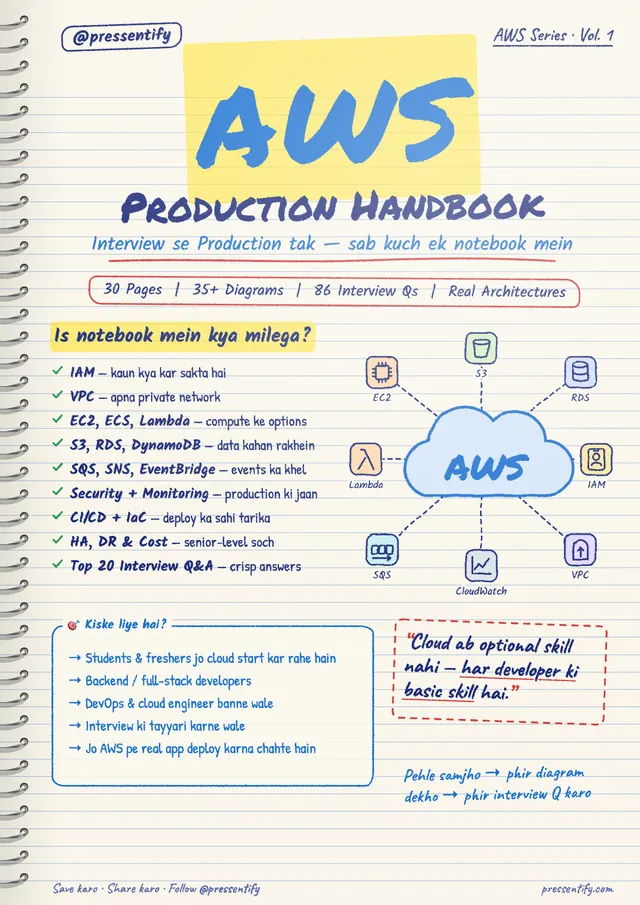
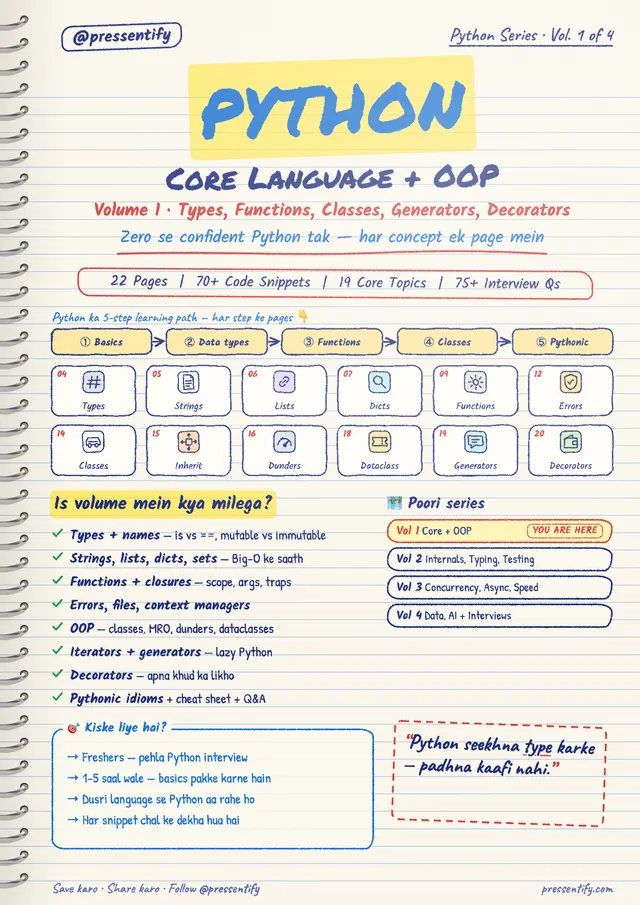
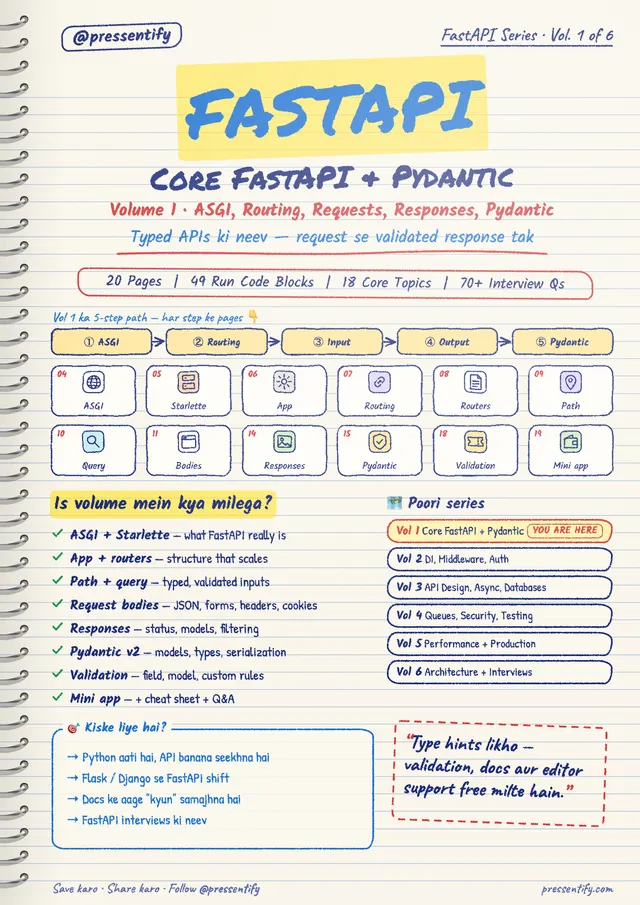
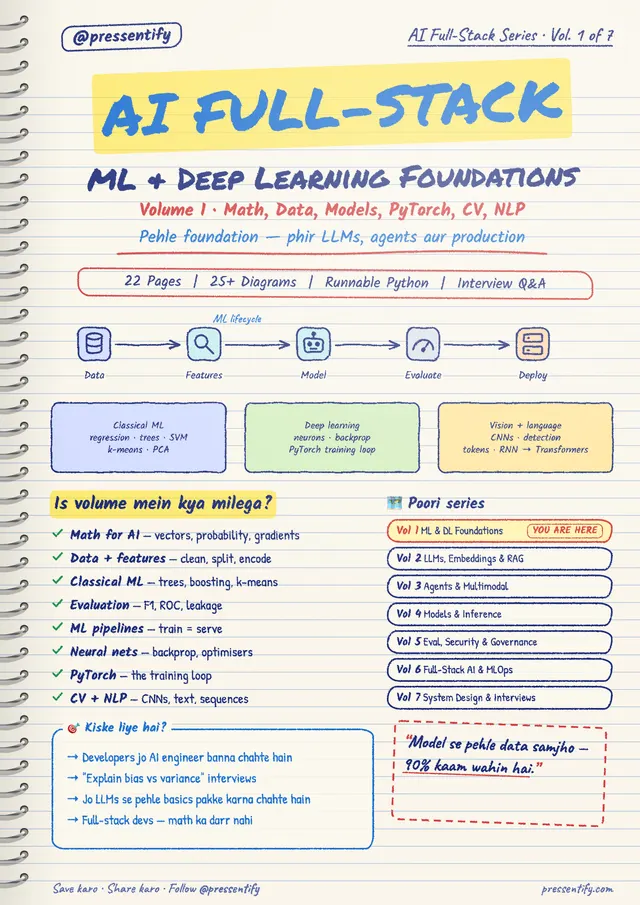
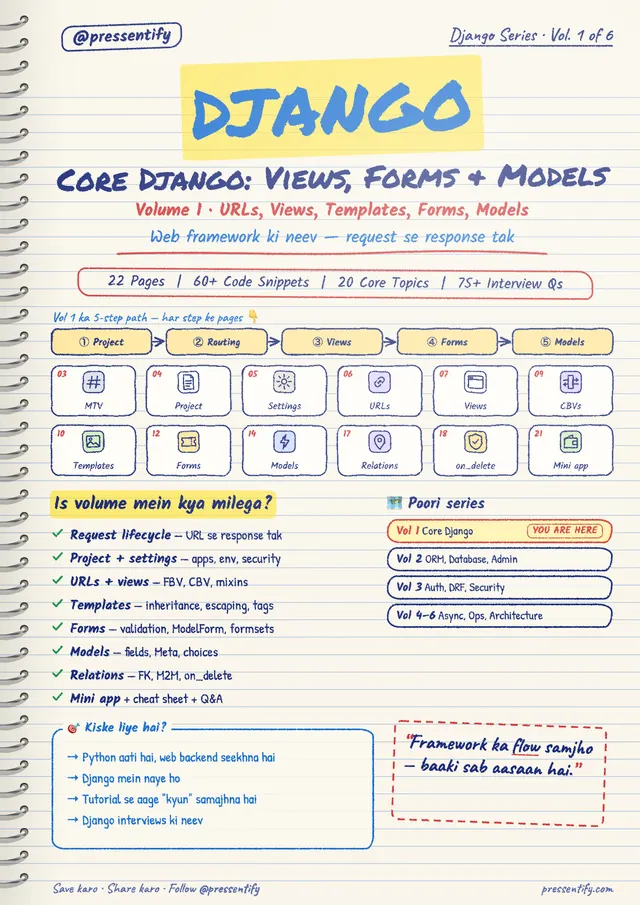
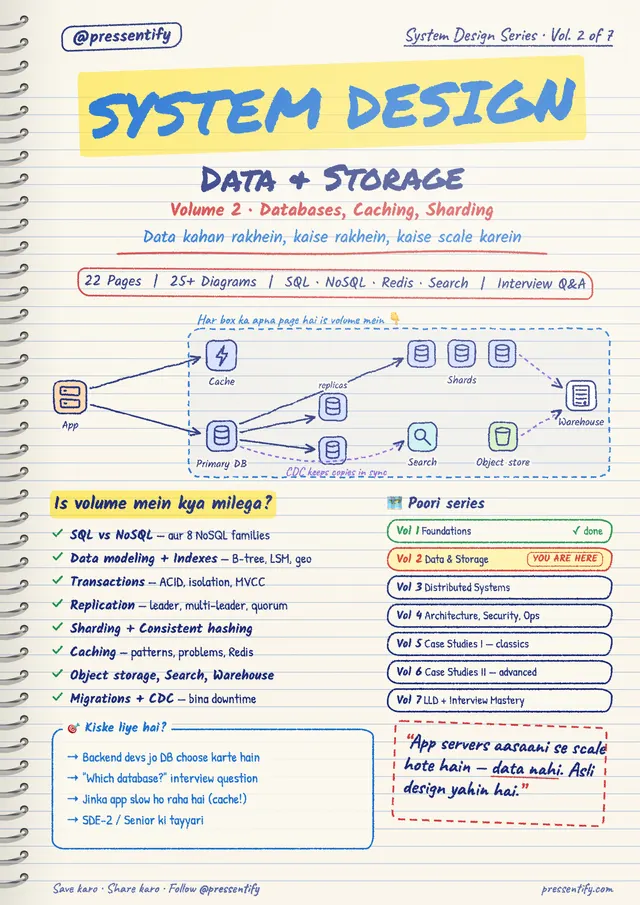
Everything you'd highlight, already done
6 subjects across 32 print-ready volumes — 747 pages of the exact notes you'd have made yourself, if you had the time.
14 topics, mapped item by item from real roadmaps. 8 are readable today.
1.0Handbooks
Notes you can read, print and keep.
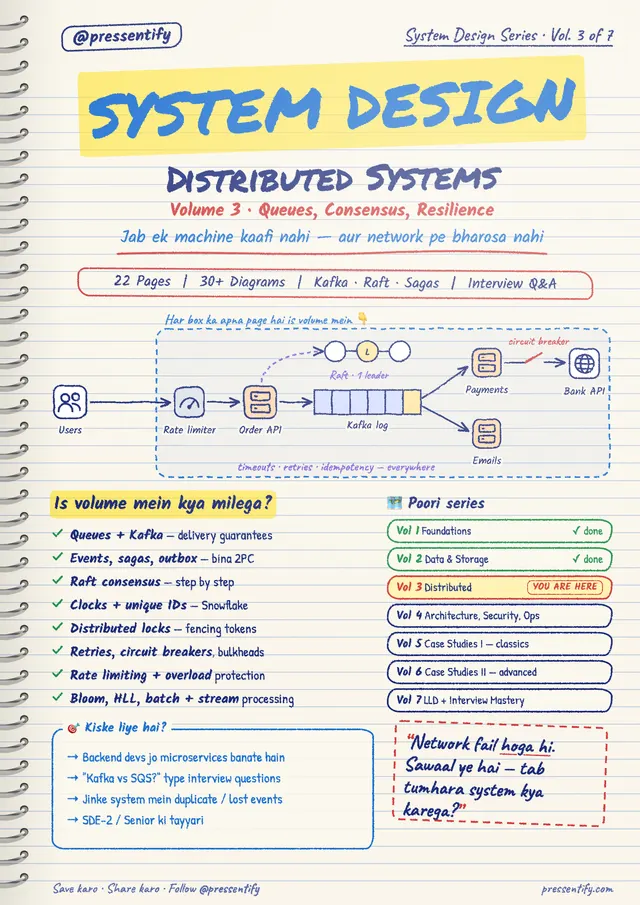
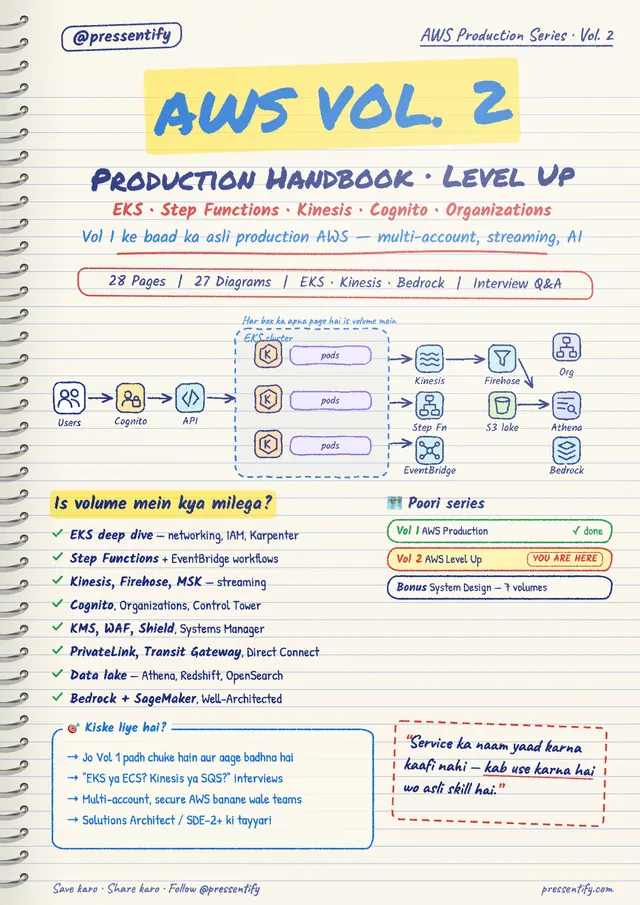
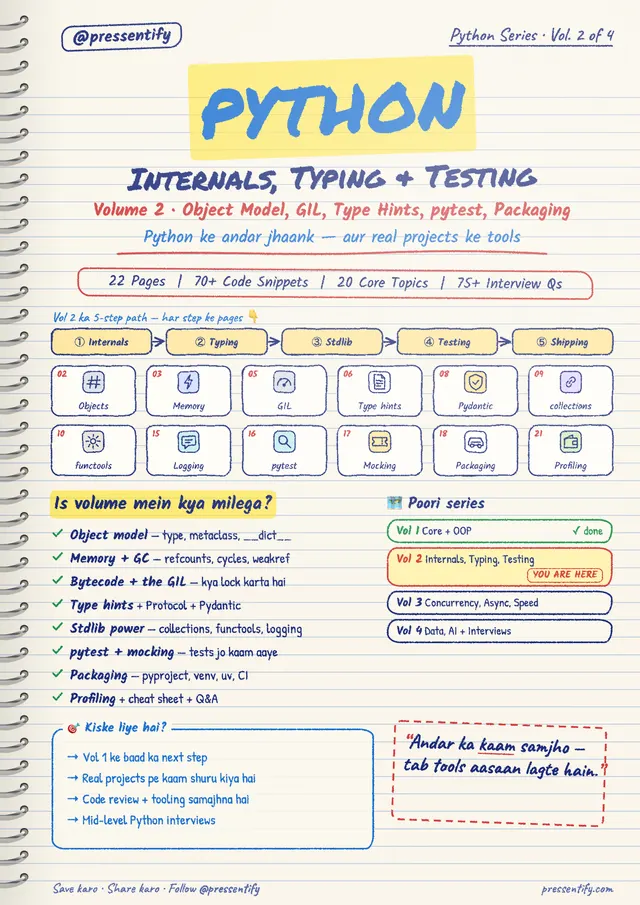
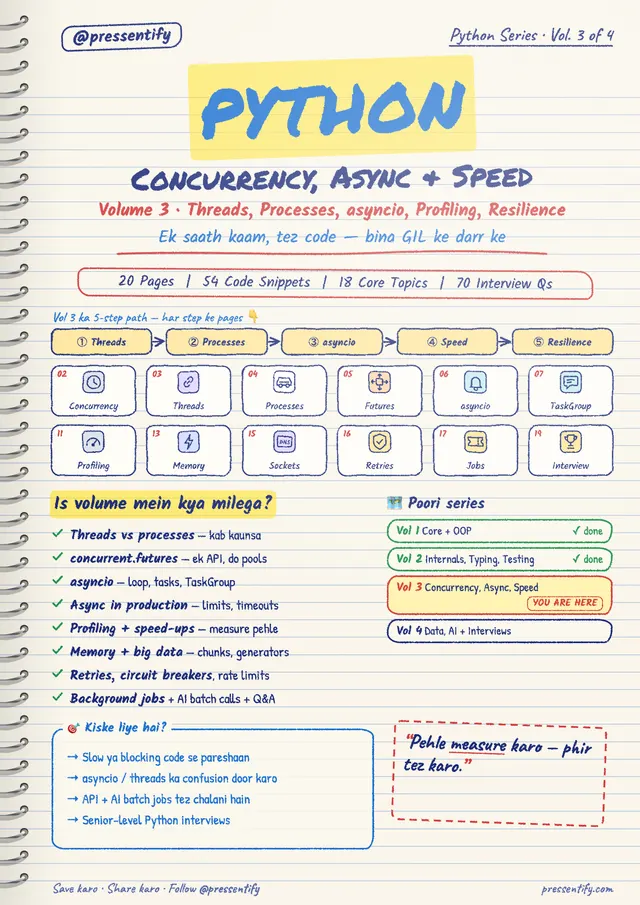
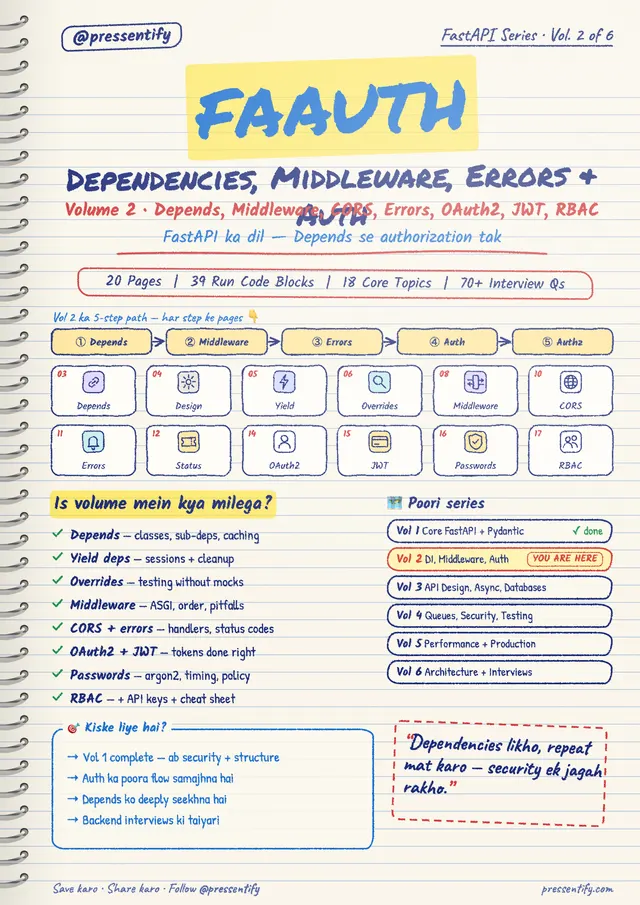
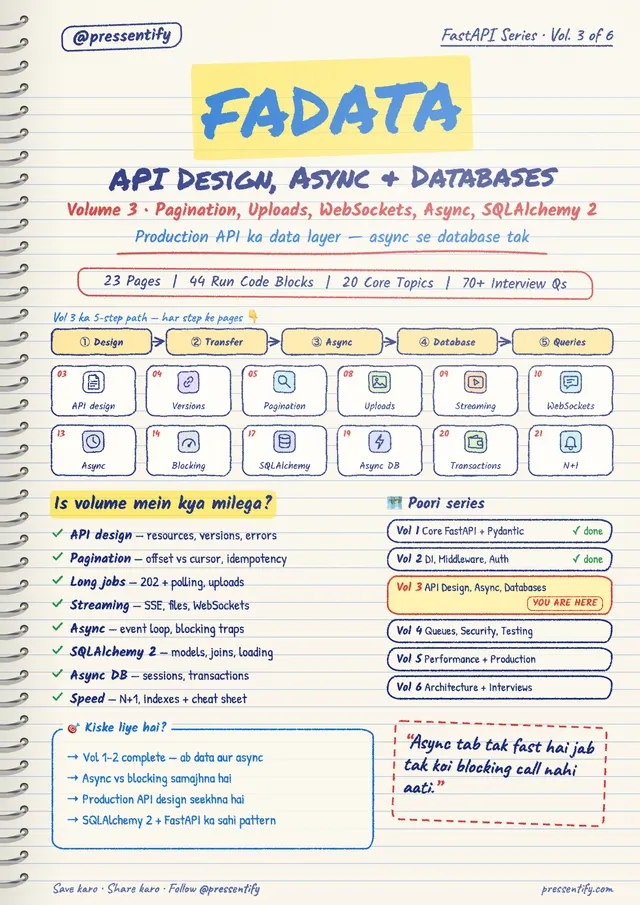
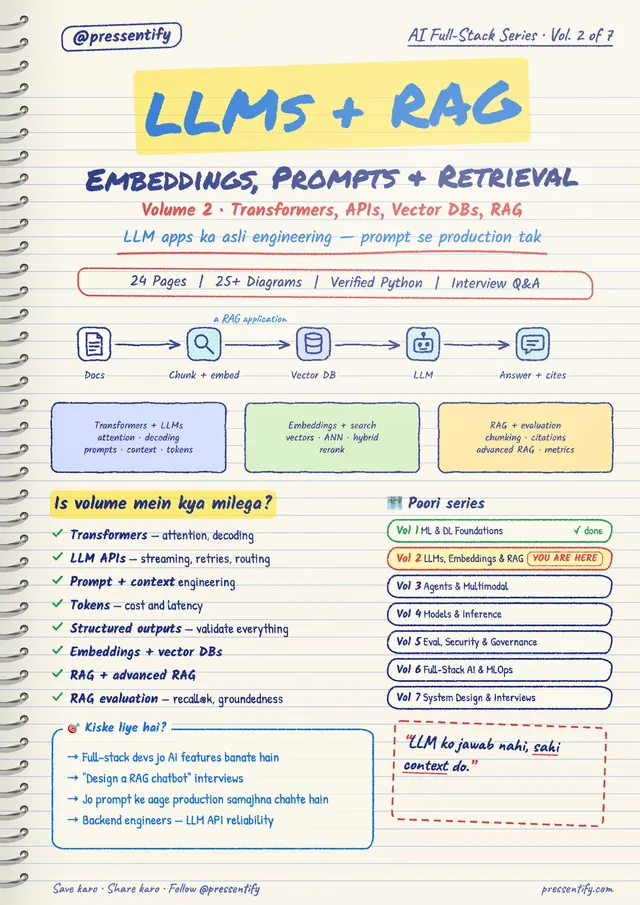
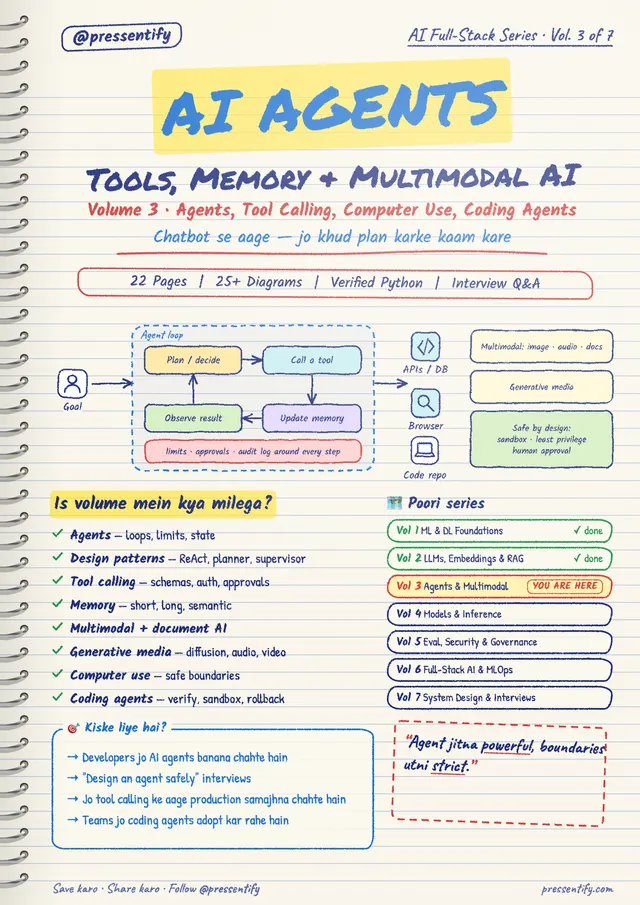
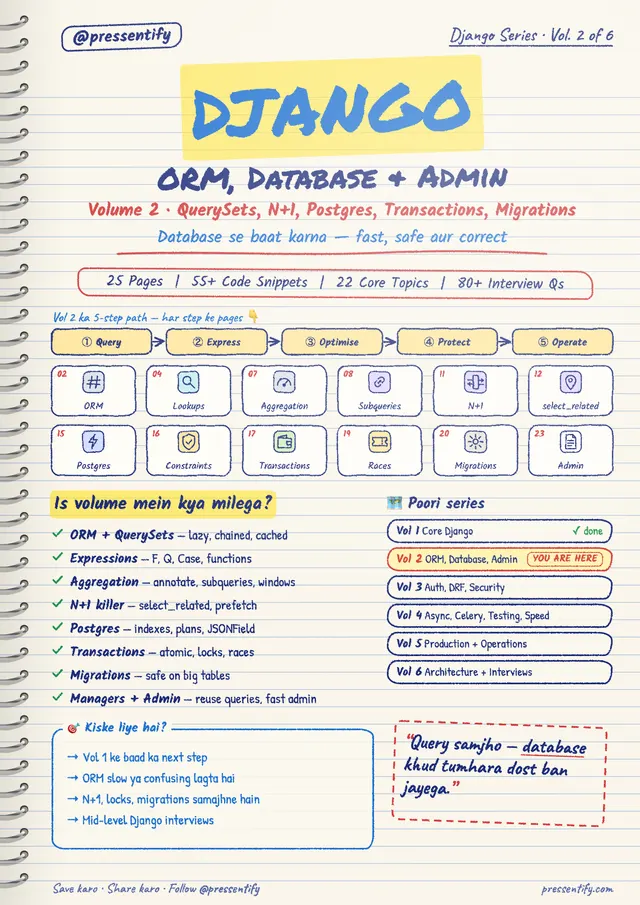
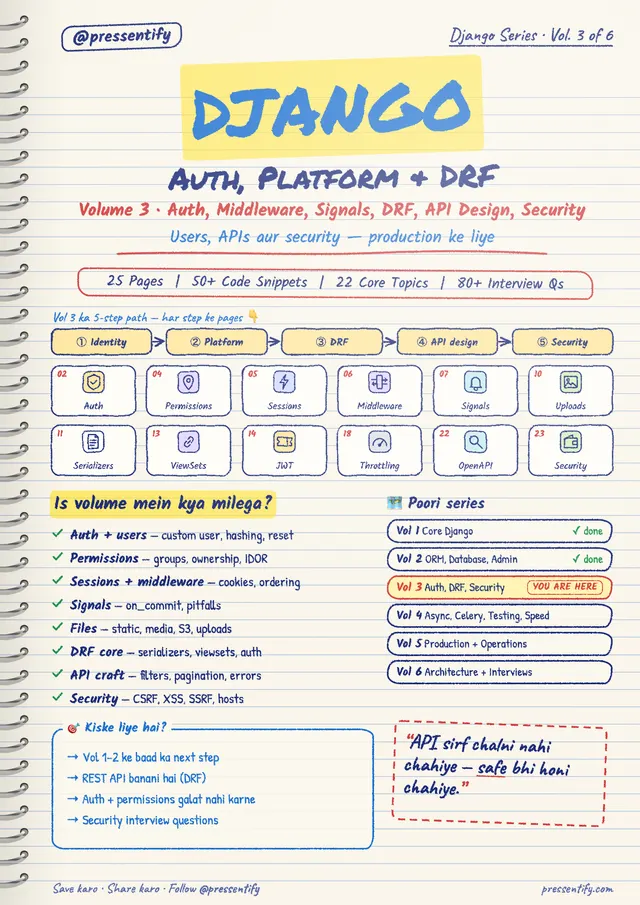
6 handbooks, 32 volumes and 747 pages of handwritten-style notebook pages. Read them in the browser, print them, and keep every update.
- 1.1
One subject, written as notebook pages
Diagrams, trade-offs and interview questions, page after page. Each handbook says who it is for and what every page carries.
- 1.2
Print-ready A4
Read it in the browser, or print it and annotate. Every page is laid out for A4, and saves as a PDF.
- 1.3
Sample pages first
A free account opens the first pages of any volume, so you read before you pay.
- 1.4
Pay once, keep every update
No subscription. A revised or new volume of a handbook you own appears in your library free.
2.0Roadmaps
A week-by-week route to your goal.
Each roadmap is one route to one goal: what to learn each week, what to build, and how you know you are done. Read a free sample first.
30 roadmaps · 1 ready to read, 29 coming soon
 01 / 30Ready to read
Full stack AI development
For frontend developers who want to build and ship AI products.
- 30 weeks
- ~1,200 hours
- 5 milestones
AI engineer is the fastest-growing job on LinkedIn’s 2026 listLinkedIn Jobs on the Rise 2026
 02 / 30Coming soon
Full-stack web developer
For people who want to build a whole web product, from database to screen.
The most common developer role: 27% of respondentsStack Overflow Developer Survey 2025
 03 / 30Coming soon
Backend engineer
For developers who want APIs, databases and deployment to feel routine.
The second most common role: 14.2% of respondentsStack Overflow Developer Survey 2025
 04 / 30Coming soon
Frontend engineer
For developers who want to build fast, accessible interfaces at scale.
A core path in Pluralsight’s 2026 software career guidePluralsight, software developer career paths 2026
 05 / 30Coming soon
DevOps and cloud engineer
For engineers moving into AWS, Terraform, CI/CD and on-call work.
DevOps and DevSecOps both have their own role roadmaproadmap.sh
 06 / 30Coming soon
Data engineer
For developers who want the pipelines and warehouses behind every dashboard.
Its own role in the Stack Overflow survey since 2019Boot.dev analysis of Stack Overflow surveys
 07 / 30Coming soon
Mobile app developer
For developers who want to take an Android or iOS app from first screen to store.
Android and iOS each have their own role roadmaproadmap.sh
 08 / 30Coming soon
Machine learning engineer
For developers who want to train, evaluate and ship models, with the maths they need.
AI and ML roles lead LinkedIn’s 2026 rising-jobs listLinkedIn Jobs on the Rise 2026
 09 / 30Coming soon
Security engineer
For developers who want threat modelling, secure code and incident response.
Cyber Security, DevSecOps and AI Red Teaming each have a role roadmaproadmap.sh
 10 / 30Coming soon
Software architect
For senior developers who want system design, trade-offs and technical leadership.
The fourth most common role: 6.1% of respondentsStack Overflow Developer Survey 2025
11 / 30Coming soon
AI engineer (LLM apps)
For developers who want the shortest route to building and shipping LLM features.
AI engineer is the fastest-growing job on LinkedIn’s 2026 listLinkedIn Jobs on the Rise 2026
12 / 30Coming soon
AI agent developer
For developers who want agents that use tools, MCP and several models to finish real tasks.
13 / 30Coming soon
RAG and search engineer
For developers who want embeddings, vector search and retrieval that returns the right answer.
14 / 30Coming soon
LLMOps and AI evaluation engineer
For engineers who want to test, monitor and cost-control AI features in production.
15 / 30Coming soon
AI consultant and solutions engineer
For people who want to scope AI work for clients and build the first working version.
AI consultant or strategist is the second fastest-growing job on LinkedIn’s 2026 listLinkedIn Jobs on the Rise 2026
16 / 30Coming soon
Prompt and AI automation specialist
For people who want to automate real work with prompts, workflows and a little code.
17 / 30Coming soon
Data analyst
For people who want to turn data into answers with SQL, spreadsheets and dashboards.
Data and analytics is one of five fastest-growing skill stacks in IndiaLinkedIn Skills on the Rise 2026 (India)
18 / 30Coming soon
Data scientist
For people who want statistics, modelling and experiments that change a decision.
Data science ranks second among skills India’s global capability centres hire forTaggd, India GCC skills in demand 2026
19 / 30Coming soon
Analytics engineer
For analysts and engineers who want clean, tested warehouse models with dbt and SQL.
20 / 30Coming soon
MLOps engineer
For engineers who want to deploy, monitor and retrain models without drama.
21 / 30Coming soon
Platform engineer
For engineers who want to build the internal tools and paved roads other developers deploy on.
Platform engineering ranks fourth among skills India’s global capability centres hire forTaggd, India GCC skills in demand 2026
22 / 30Coming soon
Site reliability engineer (SRE)
For engineers who want uptime targets, observability and calm incident response.
23 / 30Coming soon
Cloud engineer (AWS)
For engineers who want to design, secure and run workloads on AWS.
24 / 30Coming soon
Kubernetes and cloud-native engineer
For engineers who want containers, clusters and operators to feel routine.
25 / 30Coming soon
Cybersecurity analyst (SOC)
For people who want to detect, triage and respond to threats in a security operations centre.
IT and cybersecurity is one of five fastest-growing skill stacks in IndiaLinkedIn Skills on the Rise 2026 (India)
26 / 30Coming soon
Cloud security engineer
For engineers who want to lock down identities, networks and data in the cloud.
27 / 30Coming soon
AI security engineer
For security and AI engineers who want to defend against prompt injection and model abuse.
28 / 30Coming soon
QA and test automation engineer (SDET)
For testers and developers who want automated tests, CI gates and quality ownership.
29 / 30Coming soon
Python backend developer
For developers who want FastAPI or Django APIs, databases and deployment in one route.
30 / 30Coming soon
Embedded and IoT engineer
For developers who want to program devices, sensors and connected hardware.
- 2.1
Every week, day by day
Each week has a day-by-day plan, a project task and a “done when” checklist. A project at every milestone means you finish with something real to show.
- 2.2
Progress comes from your Study plan
Add a roadmap to your plan and weeks, milestones and percentages follow from the days you finish. A roadmap you have not added shows “Add to Study plan”, never a misleading zero.
- 2.3
Three ways to see it
Read it by week, or open the big pictures: the skill map, the swim lanes and the milestone tracker. Any roadmap is also a flow chart.
- 2.4
Not listed? Have one written
Describe your goal in a sentence and the assistant writes a roadmap in the same shape as the others. Change it the same way.
3.0AI interview · coming soon
Practise the interview, not just the answers.
Full interview practice is being built and is not open yet. Until it is, every topic already has interview questions you can answer in writing and have graded.
3 practice modes coming · graded questions open today
- 3.1
Graded against a rubric, today
Every topic already has interview questions. Type an answer and it is graded against the section’s authored rubric, not a model’s opinion.
- 3.2
Dispute a grade, ask for more
If you disagree with a grade you can dispute it, and you can ask for more questions on a concept. Both need a free account.
- 3.3
Easiest first
Questions on a concept run from easy to hard, the order a real interview escalates in.
- 3.4
The full product is coming
The mock interview, multiple-choice and coding practice are being built. Leave your email and we will tell you when it opens.
4.0Study planner
A study plan that survives a bad week.
Pick your courses and your days. The planner dates every section, schedules the revisions, and moves the rest when you skip a day or finish early.
4 screens from the planner
- 4.1
It reschedules itself
Skip a day or finish early and the remaining sections move, with a new finish date for each course.
- 4.2
Revision is part of the plan
Finished sections come back on a ladder of 1, 3, 7 and 21 days, or on a memory model that uses how well you recalled them.
- 4.3
In the calendar you already use
Subscribe from your calendar app, download an .ics file, print the plan, or get email reminders.
- 4.4
An assistant that proposes, never decides
Ask whether the plan is realistic, or say “finish Django by December”. It shows the change first; nothing applies until you confirm.
5.0Topics and cheatsheets
Learn it once. Look it up in seconds.
Free, beginner-first lessons on every topic, and a one-page cheatsheet for the day you only need the syntax. Both are free to read.
14 topics · 8 cheatsheets
- 5.1
Every concept, three ways
Explain, Example, Reference: the plain explanation when it is new, the worked example when you want to see it run, and the reference when you only need the shape again.
- 5.2
Code that runs in the page
Edit an example and run it in your browser. Nothing to install, nothing sent to a server.
- 5.3
A cheatsheet for every topic
Signatures, one-line explanations and short examples on one page, filterable as you type, each linked back to its lesson.
- 5.4
Dense sheets for single sections
Some topics add a one-page sheet per section: key facts, tables and a diagram. Click any concept to read its card beside the list.
6.0Assistant, interviews and notes
Help that knows your plan.
The same side panel follows you across every page, and it works from your real schedule, courses and roadmaps rather than a blank chat. Every change it suggests waits for your approval.
- 6.1
Answers in context
Ask about the concept you are reading and get an answer grounded in that page.
- 6.2
Reads your schedule
Today, this week, what is overdue and what comes next, across all your courses.
- 6.3
Proposes, never applies
Plan changes arrive as one card. Nothing moves until you confirm, and it never deletes anything.
- 6.4
Writes roadmaps and notes
Build or change a roadmap from a sentence, and create or add to your notes.
Interview prep on every section
Ten or more interview questions per section, extra ones generated on request, and your answers graded with what was missing.
Notes that live beside the lesson
A rich-text editor with tables, checklists and images. Start a note from any study page, drag content into it, and export it as a PDF.
7.0Get hired
A job hunt that reads the postings for you.
Engineering roles gathered from company career pages, ranked against your profile by meaning rather than keyword overlap, with a plain verdict on whether each one is worth your time.
Only engineering roles
Sales, HR, finance and legal postings never reach your list.
A CV you can correct
Upload a CV and fix the profile it reads before anything is saved.
Résumé builder
Tailor a résumé to one posting, then run the ATS and quality checks.
Saved searches and swipe
Name a set of filters and come back to it. Swipe through matches on your phone.
Digests and alerts
New matches by email digest or push notification.
Portfolio page
A public page from your profile, in two designs, with a working contact form.
LinkedIn tools
Score your profile, draft messages and share posts, each confirmed by you.
Google export
Send documents to Google Docs and your tracker to Sheets.
Open the job hunt
There is a demo account behind the door: one click, nothing to fill in.
8.0How it works
From first page to first offer.
Four steps. The first one needs no account.
- 01
Pick a topic
Start reading straight away. Every topic states what you should know first.
- 02
Put it on a plan
Add the course or a roadmap week to your study plan and get dated sessions.
- 03
Check you got it
Quizzes, graded interview answers and animated DSA lessons show the gaps.
- 04
Go and apply
Ranked postings, a tailored résumé and a board to track every application.
Start with one topic. Keep going.
3 topics are finished end to end and 5 more are being written in the open. Every cheatsheet is free to read; sign in to plan, take notes and track jobs.